





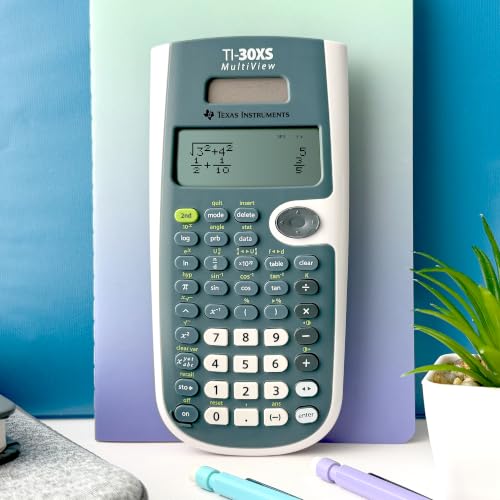


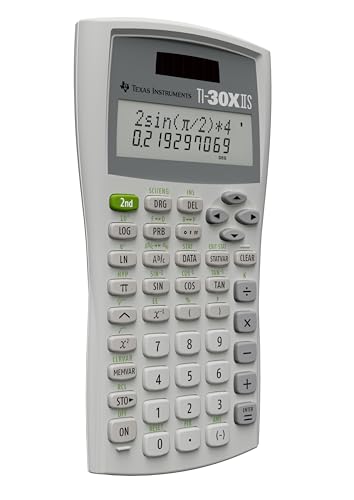


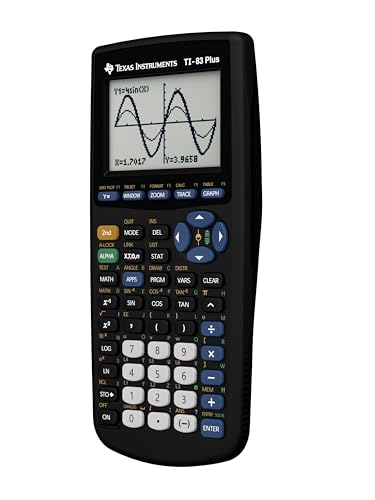


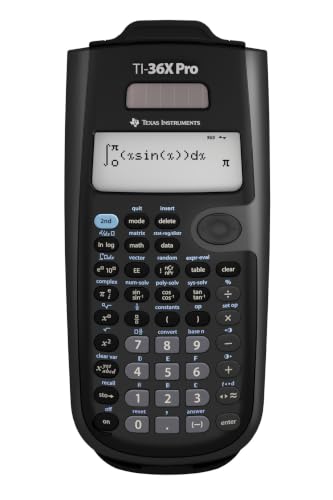







We also considered 10 others:


Our Top Choice
The order above is not editorial opinion, and it is not paid placement. It comes from what shoppers across our network actually do - which ti calculators they compare, and which they ultimately buy. We re-rank as new data comes in, so the long-term favorites have to keep earning their spot against new entrants. The full method, including how we make money.
TI Calculators Buyer's Guide
Buying a calculator for school is a compliance tradeoff as much as a feature decision: the most powerful option can be the wrong one if a class or exam does not allow it. Focus first on the exact course and test requirements, then choose the display, keypad, math functions, and reliability level that will hold up under timed homework and exam use.
Course Fit
Calculator rules vary sharply by class, department, and exam, so raw capability is not always an advantage. A careful buyer should choose the highest level of function that remains allowed for the intended coursework and testing environment.
Start by matching the calculator to the class syllabus and the official exam-approved list before comparing features. For many school paths, the key split is non-graphing scientific, graphing, and graphing with computer-algebra capability; the most advanced option can be the wrong buy if an exam bans symbolic algebra, graphing, programmability, or certain memory features. For standardized tests and course check-ins, also consider whether the model is familiar to teachers, whether it can be cleared/reset easily, and whether it is allowed for the exact test version you plan to take. Owner feedback strongly supports this compliance-first approach: buyers value calculators that fit pre-calculus, statistics, upper-level math, SAT/ACT-style prep, formal exams, and engineering/FE-style rules. Sentiment also shows that non-graphing capability matters when graphing is not allowed, while school-standard graphing models are appreciated because they work predictably in classes and exams.
Math Power
The right calculator should reduce manual algebra and setup time without introducing banned or unnecessary complexity. Buying too little capability can slow coursework, while buying too much can add cost, learning burden, and exam restrictions.
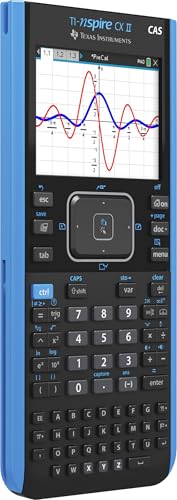
Choose the math engine around the hardest work you will actually do. Basic science and accounting courses may only need scientific functions, fractions, exponents, logs, trig, and statistics; engineering and advanced science often benefit from matrices, vectors, complex numbers, unit conversions, equation solvers, exact answers, and numerical calculus. Graphing students should look for fast plotting, tables, regression/stat tools, multiple equations, trace/zoom tools, and enough memory for class workflows; only choose symbolic CAS capability when it is required and allowed. Owner sentiment repeatedly highlights functionality as the core reason these calculators are worth buying. Users praise advanced graphing, calculus, complex-number work, systems of equations, matrices, solvers, exact answers, and engineering/science support, while also noting that dependable scientific models can cover the core functions many students need.
Readable Display
Math errors often come from entry and interpretation, not from the calculator’s computation. A clearer display makes it easier to catch missing parentheses, wrong signs, exponent mistakes, and graphing confusion before they affect an answer.
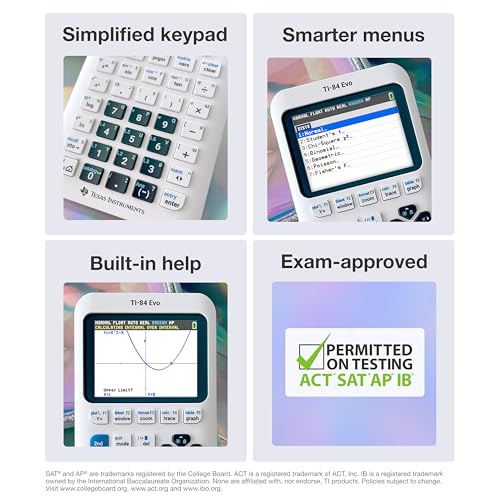
Prioritize a display that matches how you write math on paper. For scientific calculators, natural entry and multi-line history make fractions, roots, exponents, and longer expressions easier to check before pressing enter. For graphing calculators, a bright high-contrast screen, clear axes, readable tables, color separation for multiple equations, and adjustable brightness matter more than screen size alone; poor contrast or cramped expression entry can cause real mistakes during timed work. Owner feedback strongly backs this: natural textbook-style displays are praised for showing fractions, exponents, and expressions clearly, and multi-line displays help users review and correct longer calculations. For graphing use, bright color displays are specifically valued because graphs, charts, and multiple equations are easier to read.
Keypad Ease
A powerful calculator only helps if the student can operate it quickly and accurately. The best interface is the one that supports the class workflow without causing menu confusion, mis-keyed entries, or lost time.
Look closely at the keypad, menus, and learning path, especially if the calculator will be used under time pressure. Dedicated fraction, trig, graph, table, solve, and stat keys can be faster than deep menus, while clear secondary labels and a familiar layout reduce hunting during exams. Avoid choices with tiny labels, mushy keys, or overly touch-dependent navigation if you need fast, repeatable classroom use; for advanced models, make sure tutorials, manuals, and classroom support exist before relying on it. Owner sentiment is positive but realistic here: many users find the interface friendly once learned, and familiar shortcut-heavy layouts help. At the same time, feedback notes a real learning curve, split opinions on button feel and label readability, and occasional quirks such as sensitive navigation controls.
Reliability
Calculators often live in backpacks for years, so weak batteries, worn keys, cracked screens, and charging issues matter. Reliability is especially important because failures usually appear at the worst time: during class, homework deadlines, or exams.
Check the power system and physical condition as carefully as the feature list. Rechargeable models should include the correct cable, hold a charge through classes and exams, and be fully charged before first use; battery-powered models should have a secure compartment and a practical backup plan for test day. For used or school-carried calculators, inspect the screen, ports, slide cover, keypad response, charging behavior, and whether the unit resets and operates normally, because early failures or worn keys can ruin an otherwise good deal. Owner feedback is generally encouraging but not perfectly settled. Many buyers report reliable performance, long battery life, durable school use, good packaging, and units working right away, while mixed reports mention variable battery life, durability concerns, early-failure complaints, and small quirks.
Smart Value
Value in this category is mostly about avoiding both underbuying and overbuying. The best pick is the least complicated calculator that satisfies the course, exam, and workload requirements for the next few years.
Buy for the required path, not for the longest spec sheet. A capable non-graphing calculator can be the smarter value for courses and exams that disallow graphing, while a graphing model may be necessary for algebra, precalculus, statistics, or teacher-led workflows. Advanced symbolic or color-graphing capability is worth considering when it saves time in demanding STEM work, but it can be wasted if the class does not use it or the exam does not allow it. Owner sentiment shows value depends on fit: many buyers see strong price-to-performance when a calculator covers serious school, algebra, calculus, engineering, or exam needs, and some appreciate lower-cost ways to get a required school-standard calculator. Feedback is also mixed for more capable models, with some owners saying the features and school usefulness justify the cost while others note that these calculators are not cheap.
1,000,000+ shoppers use Buyer's Guide every week to find the best products and services online.

Helping millions of users make smarter purchases online.


