















We also considered 10 others:


Our Top Choice
Compare Features


The order above is not editorial opinion, and it is not paid placement. It comes from what shoppers across our network actually do - which polaroid cameras for kids they compare, and which they ultimately buy. We re-rank as new data comes in, so the long-term favorites have to keep earning their spot against new entrants. The full method, including how we make money.
Polaroid Cameras for Kids Buyer's Guide
Kids’ instant cameras are a tradeoff between true keepsake photo quality and child-safe, low-cost freedom to print a lot. The sharpest checks are the print system—costly color instant film versus inexpensive inkless thermal paper—and whether the camera is simple, rugged, and safe enough for a child to use without constant adult rescue.
Usability
You’ll get more out of a digital camera if it feels easy to pick up, set up, and adjust without constantly digging through confusing menus. Look for clear controls, helpful automatic modes, and simple playback or sharing steps, especially if the camera is for a beginner or kid. Watch out for models with tiny buttons, cluttered interfaces, or too many advanced settings if you want photography to feel fun rather than frustrating.
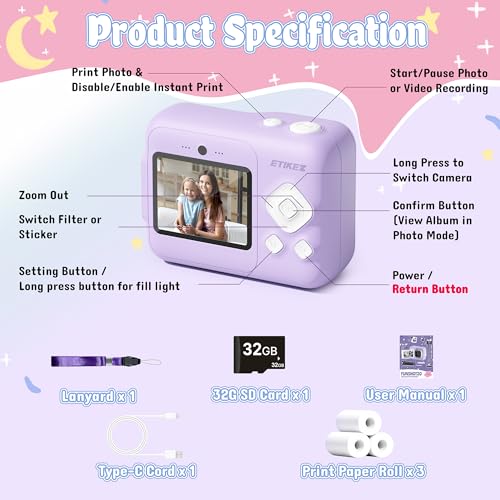
For kids, prioritize a camera that can be operated without reading menus: large labeled buttons, clear battery/printing/storage indicators, simple paper or film loading, an obvious shutter, and a strap or grip sized for small hands. Avoid models that bury printing, deleting, or mode changes in confusing menus, because children will either stop using it or accidentally waste media. Owner feedback supports this: buyers consistently praise kid-focused instant cameras when early-elementary children can set them up, reload paper, navigate controls, and start shooting independently, with instant printing creating the main excitement.
Quality
A digital camera’s quality and reliability matter because you’re trusting it to perform consistently when a shot can’t be repeated. Look for solid build, dependable autofocus and exposure, durable controls, good battery and card performance, and a reputation for stable operation over long-term use. Watch out for cameras that feel flimsy, overheat easily, freeze or lag, or have user reports of recurring mechanical or software issues.
Choose build quality around child failure modes: drops from table height, sticky hands, backpacks, party use, and repeated paper-door opening. Look for rounded edges, a grippy case or silicone cover, a protected lens area, a secure but not finger-pinching media compartment, and lightweight construction that will not hurt if it swings on a strap. Parents tend to respond well to cameras that feel sturdy, lightweight, well put together, cute, and easy to hold, and they often describe better kids’ models as durable enough for house play, events, and first-camera gifting.
Features
Features matter because they determine how well a digital camera fits the way you actually shoot, from built-in modes and connectivity to accessory support, lens options, and rugged or waterproof construction. Look for useful functions you’ll rely on often, not just long spec lists, and make sure the camera’s controls, size, styling, and expandability suit your skill level and typical subjects.
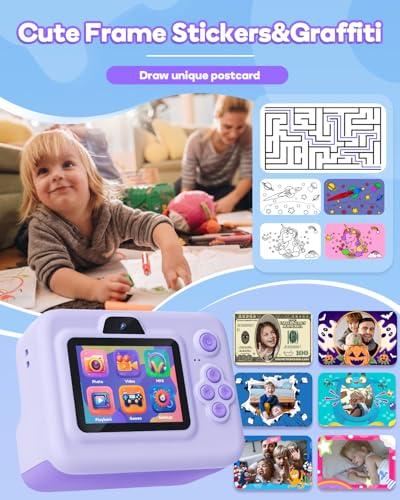
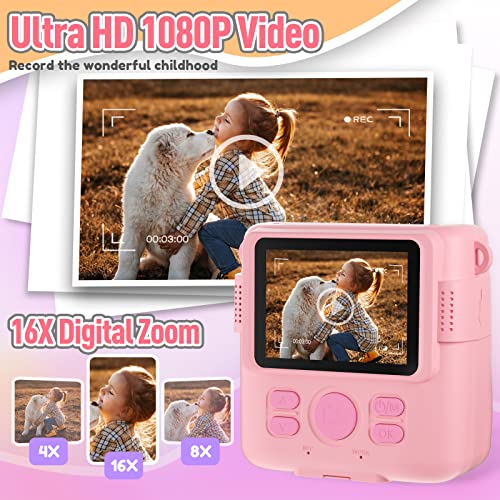
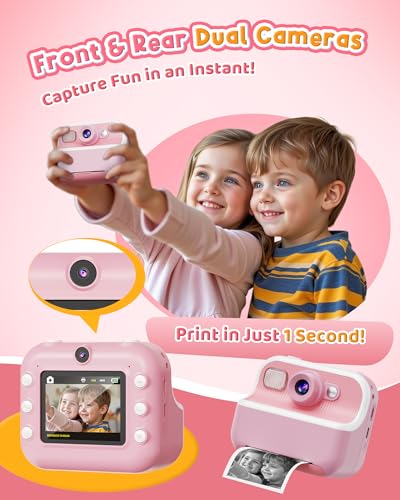
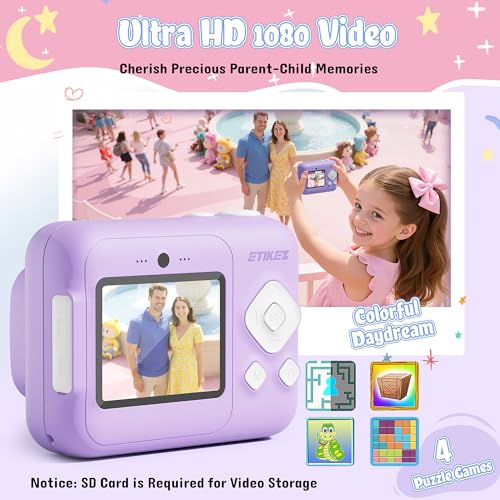
Match features to the child’s age and your tolerance for distractions: for younger kids, instant print, simple filters/frames, a selfie option, and included paper/storage matter more than complex modes; for older kids, saved digital photos, video, date stamps, and expandable storage can extend use. Be cautious with built-in games if the goal is photography, and check that any lanyard is breakaway or used under supervision. Owner sentiment shows that complete kits with a case, paper, memory card, album, and playful extras feel more gift-ready, while filters, games, video, and cute themed designs keep children engaged beyond a few test shots.
Image
Image quality determines how sharp, detailed, and natural your photos look, especially when you crop, print, or shoot in challenging light. Look for a camera that delivers accurate color, clean detail, and consistent results across different scenes, not just impressive-looking sample shots in ideal conditions. Also watch for overprocessed images that appear too smooth, too contrasty, or unnaturally saturated.
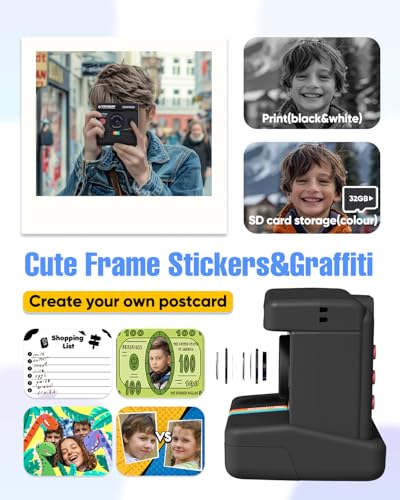
Set image expectations by print technology before buying: inkless thermal kids’ cameras usually make small black-and-white, receipt-like prints that are fun and cheap but can fade, lack detail, and look nothing like phone photos; instant-film cameras produce color keepsakes but still need good light and have limited dynamic range. If photo quality matters, check sample prints in indoor lighting, skin tones, and motion—not just bright marketing shots. Owners report that some kids’ cameras produce surprisingly clear, photo-booth-like snapshots, but many also warn that prints can be washed out, soft, or far below a phone or classic instant-camera expectation.
Value
Value for money matters because a digital camera should justify its cost with the features, image quality, handling, and reliability you’ll actually use. Look beyond the body price and consider what’s included or required, such as lenses, batteries, storage, and accessories, while watching out for cameras that add flashy specs but compromise on core performance or usability.
Calculate value by the refill path, not just the camera box: thermal paper rolls let kids print freely and cheaply, while color instant film makes every missed shot a consumable cost. For a child who will press the shutter constantly, inexpensive refill paper, included starter rolls, and saved digital copies are major value features; for a child who wants colorful keepsakes, expect tighter adult supervision over printing. Buyer feedback lines up with this split: thermal-paper models are often seen as strong value because children can print lots of little keepsakes, while film-based options can feel worthwhile as gifts but more debatable once recurring refill costs begin.
Battery
Battery life matters because it determines how long you can shoot without stopping to recharge or swap batteries, especially during travel, events, or long days outdoors. Look for a camera that matches your shooting style, and remember that video recording, continuous autofocus, bright screens, wireless features, and cold weather can drain power faster than casual still photography. Also consider how it charges, including USB charging support and recharge speed, so you know whether you can top it up easily between sessions.
For a child’s camera, battery reliability matters more than maximum spec: look for USB charging, auto-shutoff, a charge indicator a child can understand, and enough runtime for a party or day trip. Avoid designs where the battery door is easy for small children to open, and supervise charging, especially with very young users. Owner reports are mixed on this dimension, with some units holding up well while others stop holding a charge after limited use, so battery warranty, return window, and charging behavior are worth checking before gifting.
1,000,000+ shoppers use Buyer's Guide every week to find the best products and services online.

Helping millions of users make smarter purchases online.


