
Best Galaxy Tab Tablets Updated August 2026

Best Galaxy Tab Tablets
2026 Buyer's GuideUpdated August 2026
Sort by:
1

10.0

Samsung Galaxy Tab A11+ 6GB RAM, 128GB Storage, Expandable Storage, Gray
Screen: 11"
Resolution: 1920 x 1200
Processor: 2.5GHz 8-core
Storage: 128GB
Battery Life: Up to 9 hours
Camera: 5MP front & 8MP rear
Operating System: Android

10.0

1
Samsung Galaxy Tab A11+ 6GB RAM, 128GB Storage, Expandable Storage, Gray
Screen: 11"
Resolution: 1920 x 1200
Processor: 2.5GHz 8-core
Storage: 128GB
Battery Life: Up to 9 hours
Camera: 5MP front & 8MP rear
Operating System: Android
2

9.8

Samsung Galaxy Tab A9 (SM-X110), 64GB 4GB RAM, WiFi Only, International Version (15W Wall Charger Bundle) (Gray)
Screen: 8.7"
Resolution: 1340 x 800
Processor: 2.2GHz 8-core
Storage: 64GB
Battery Life: Up to 14 hours
Camera: 2MP front & 8MP rear
Operating System: Android
Compare

9.8

2
Samsung Galaxy Tab A9 (SM-X110), 64GB 4GB RAM, WiFi Only, International Version (15W Wall Charger Bundle) (Gray)
Screen: 8.7"
Resolution: 1340 x 800
Processor: 2.2GHz 8-core
Storage: 64GB
Battery Life: Up to 14 hours
Camera: 2MP front & 8MP rear
Operating System: Android
3

9.6

Samsung Galaxy Tab A11+ 8GB RAM, 256GB Storage, AI Assist, Slim Light, Gray
Screen: 11"
Resolution: 1920 x 1200
Processor: MediaTek ARM Mali G615 MC2
Storage: 256GB
Battery Life: Up to 15 hours
Camera: 5MP front & 8MP rear
Operating System: Android
Compare

9.6

3
Samsung Galaxy Tab A11+ 8GB RAM, 256GB Storage, AI Assist, Slim Light, Gray
Screen: 11"
Resolution: 1920 x 1200
Processor: MediaTek ARM Mali G615 MC2
Storage: 256GB
Battery Life: Up to 15 hours
Camera: 5MP front & 8MP rear
Operating System: Android
Compare
4

9.5

Samsung Galaxy Tab S10+ Plus 12.4” 256GB Android Tablet, Moonstone Gray
Screen: 12.4"
Resolution: 2800 x 1752
Processor: MediaTek Dimensity 9300+ 8-core
Storage: 256GB
Battery Life: Up to 8 hours
Camera: 12MP front & 13MP rear
Operating System: Android
Compare

9.5

4
Samsung Galaxy Tab S10+ Plus 12.4” 256GB Android Tablet, Moonstone Gray
Screen: 12.4"
Resolution: 2800 x 1752
Processor: MediaTek Dimensity 9300+ 8-core
Storage: 256GB
Battery Life: Up to 8 hours
Camera: 12MP front & 13MP rear
Operating System: Android
5

9.3

Samsung Galaxy Tab S10 Lite, 6GB RAM, 128GB, 2TB Expand, 10.9” LCD, Gray
Screen: 10.9”
Resolution: 2112 x 1320
Processor: Exynos 1380 processor
Storage: 128GB
Battery Life: Up to 16 hours
Camera: 5MP front & 8MP rear
Operating System: Android
Compare

9.3

5
Samsung Galaxy Tab S10 Lite, 6GB RAM, 128GB, 2TB Expand, 10.9” LCD, Gray
Screen: 10.9”
Resolution: 2112 x 1320
Processor: Exynos 1380 processor
Storage: 128GB
Battery Life: Up to 16 hours
Camera: 5MP front & 8MP rear
Operating System: Android
6

9.2

Samsung Galaxy Tab S10 Lite, 8GB RAM, 256GB, 2TB Expand, 10.9” LCD, Gray
Screen: 10.9"
Resolution: 2112 x 1320
Processor: 2.4GHz 8-core
Storage: 256GB
Battery Life: Up to 16 hours
Camera: 5MP front & 8MP rear
Operating System: Android
Compare

9.2

6
Samsung Galaxy Tab S10 Lite, 8GB RAM, 256GB, 2TB Expand, 10.9” LCD, Gray
Screen: 10.9"
Resolution: 2112 x 1320
Processor: 2.4GHz 8-core
Storage: 256GB
Battery Life: Up to 16 hours
Camera: 5MP front & 8MP rear
Operating System: Android
Compare
7

9.0

Samsung Galaxy Tab A11 WiFi Model (International Version), 8.7 inches, 64GB + 4GB with Model Number SM-X133 (Gray)
Screen: 8.7"
Resolution: 1340 x 800
Processor: 2.2GHz 8-core
Storage: 64GB
Battery Life: Up to 12 hours
Camera: 5MP front & 8MP rear
Operating System: Android
Compare

9.0

7
Samsung Galaxy Tab A11 WiFi Model (International Version), 8.7 inches, 64GB + 4GB with Model Number SM-X133 (Gray)
Screen: 8.7"
Resolution: 1340 x 800
Processor: 2.2GHz 8-core
Storage: 64GB
Battery Life: Up to 12 hours
Camera: 5MP front & 8MP rear
Operating System: Android
Compare
8

8.9

Samsung Galaxy Tab A11+ 8GB RAM, 256GB Storage, Large Display, Silver
Screen: 11"
Resolution: 1920 x 1200
Processor: 2.5GHz 8-core
Storage: 256GB
Battery Life: Up to 11 hours
Camera: 5MP front & 8MP rear
Operating System: Android
Compare

8.9

8
Samsung Galaxy Tab A11+ 8GB RAM, 256GB Storage, Large Display, Silver
Screen: 11"
Resolution: 1920 x 1200
Processor: 2.5GHz 8-core
Storage: 256GB
Battery Life: Up to 11 hours
Camera: 5MP front & 8MP rear
Operating System: Android
Compare
9

8.8

Samsung Galaxy Tab S10 FE 128GB WiFi Android Tablet, Large Display, Long Battery Life, Powerful Processor, S Pen, Expandable St...
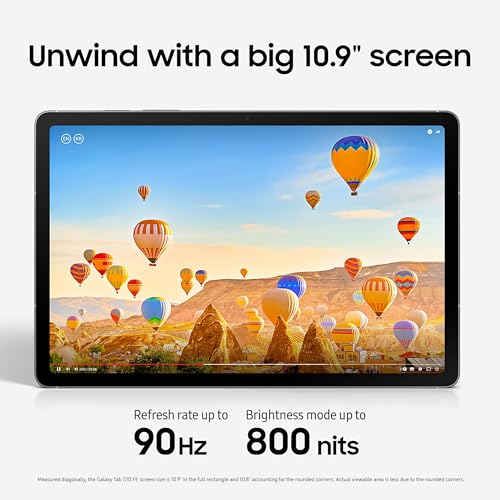
Screen: 10.9"
Resolution: 2304 x 1440
Processor: 2.9GHz 8-core
Storage: 128GB
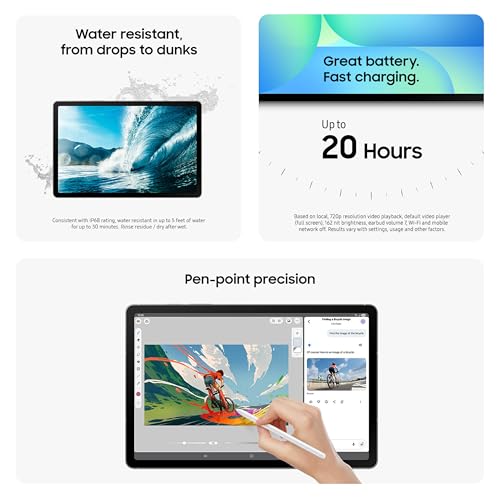
Battery Life: Up to 20 hours
Camera: 12MP front & 13MP rear
Operating System: Android
Compare

8.8

9
Samsung Galaxy Tab S10 FE 128GB WiFi Android Tablet, Large Display, Long Battery Life, Powerful Processor, S Pen, Expandable St...
Screen: 10.9"
Resolution: 2304 x 1440
Processor: 2.9GHz 8-core
Storage: 128GB
Battery Life: Up to 20 hours
Camera: 12MP front & 13MP rear
Operating System: Android
10

8.6

Samsung Galaxy Tab S10 FE 128GB WiFi Android Tablet, US Version, Blue
Screen: 10.9"
Resolution: 2304 x 1440
Processor: 2.9GHz 8-core
Storage: 128GB or 256GB
Battery Life: Up to 20 hours
Camera: 12MP front & 50MP rear
Operating System: Android
Compare

8.6

10
Samsung Galaxy Tab S10 FE 128GB WiFi Android Tablet, US Version, Blue
Screen: 10.9"
Resolution: 2304 x 1440
Processor: 2.9GHz 8-core
Storage: 128GB or 256GB
Battery Life: Up to 20 hours
Camera: 12MP front & 50MP rear
Operating System: Android
Compare
We also considered 10 others:

Our Top Choice

1

10.0

Samsung Galaxy Tab A11+ 6GB RAM, 128GB Storage, Expandable Storage, Gray
Screen: 11"
Resolution: 1920 x 1200
Processor: 2.5GHz 8-core
Storage: 128GB
Battery Life: Up to 9 hours
Camera: 5MP front & 8MP rear
Operating System: Android

10.0

1
Samsung Galaxy Tab A11+ 6GB RAM, 128GB Storage, Expandable Storage, Gray
Screen: 11"
Resolution: 1920 x 1200
Processor: 2.5GHz 8-core
Storage: 128GB
Battery Life: Up to 9 hours
Camera: 5MP front & 8MP rear
Operating System: Android

Compare Features

Operating System
Best Galaxy Tab Tablet
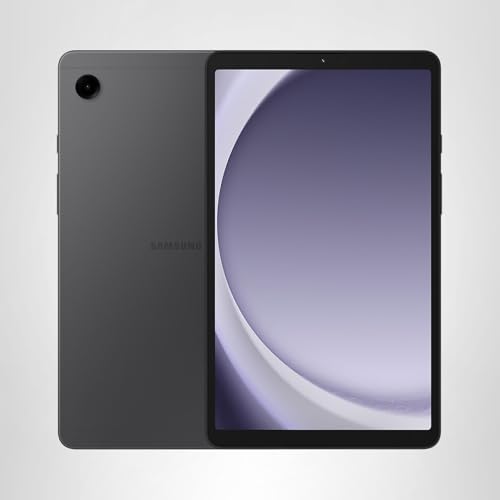
1. Samsung Galaxy Tab A11+ Tablet
SAMSUNG Preview SAMSUNG Preview
SAMSUNG
at Amazon
2. Samsung Galaxy Tab A9 Tablet (International Version)
SAMSUNG Preview SAMSUNG Preview
SAMSUNG
at Amazon
Popular
3. Samsung Galaxy Tab A11+ 256GB Tablet
SAMSUNG Preview SAMSUNG Preview
SAMSUNG
at Amazon
Premium Pick
4. Samsung Galaxy Tab S10+ Plus Tablet
SAMSUNG Preview SAMSUNG Preview
SAMSUNG
at Amazon
5. Samsung Galaxy Tab S10 Lite Tablet
SAMSUNG Preview SAMSUNG Preview
SAMSUNG
at Amazon
6. Samsung Galaxy Tab S10 Lite
SAMSUNG Preview SAMSUNG Preview
SAMSUNG
at Amazon
Best Value
7. Samsung Galaxy Tab A11 Tablet SM-X133
SAMSUNG Preview SAMSUNG Preview
SAMSUNG
at Amazon
8. Samsung Galaxy Tab A11+ Tablet
SAMSUNG Preview SAMSUNG Preview
SAMSUNG
at Amazon
9. SAMSUNG Galaxy Tab S10 FE Tablet (Renewed)
SAMSUNG Preview SAMSUNG Preview
SAMSUNG
at Amazon
10. SAMSUNG Galaxy Tab S10 Tablet
SAMSUNG Preview SAMSUNG Preview
SAMSUNG
at Amazon
Deal
-17% -6% -27% -13% -34%
Deal -17% -6% -27% -13% -34%
Screen
11" 8.7" 11" 12.4" 10.9” 10.9" 8.7" 11" 10.9" 10.9"
Screen
11" 8.7" 11" 12.4" 10.9” 10.9" 8.7" 11" 10.9" 10.9"
Resolution
1920 x 1200 1340 x 800 1920 x 1200 2800 x 1752 2112 x 1320 2112 x 1320 1340 x 800 1920 x 1200 2304 x 1440 2304 x 1440
Resolution
1920 x 1200 1340 x 800 1920 x 1200 2800 x 1752 2112 x 1320 2112 x 1320 1340 x 800 1920 x 1200 2304 x 1440 2304 x 1440
Processor
2.5GHz 8-core 2.2GHz 8-core MediaTek ARM Mali G615 MC2 MediaTek Dimensity 9300+ 8-core Exynos 1380 processor 2.4GHz 8-core 2.2GHz 8-core 2.5GHz 8-core 2.9GHz 8-core 2.9GHz 8-core
Processor
2.5GHz 8-core 2.2GHz 8-core MediaTek ARM Mali G615 MC2 MediaTek Dimensity 9300+ 8-core Exynos 1380 processor 2.4GHz 8-core 2.2GHz 8-core 2.5GHz 8-core 2.9GHz 8-core 2.9GHz 8-core
Storage
128GB 64GB 256GB 256GB 128GB 256GB 64GB 256GB 128GB 128GB or 256GB
Storage
128GB 64GB 256GB 256GB 128GB 256GB 64GB 256GB 128GB 128GB or 256GB
Battery Life
Up to 9 hours Up to 14 hours Up to 15 hours Up to 8 hours Up to 16 hours Up to 16 hours Up to 12 hours Up to 11 hours Up to 20 hours Up to 20 hours
Battery Life
Up to 9 hours Up to 14 hours Up to 15 hours Up to 8 hours Up to 16 hours Up to 16 hours Up to 12 hours Up to 11 hours Up to 20 hours Up to 20 hours
Camera
5MP front & 8MP rear 2MP front & 8MP rear 5MP front & 8MP rear 12MP front & 13MP rear 5MP front & 8MP rear 5MP front & 8MP rear 5MP front & 8MP rear 5MP front & 8MP rear 12MP front & 13MP rear 12MP front & 50MP rear
Camera
5MP front & 8MP rear 2MP front & 8MP rear 5MP front & 8MP rear 12MP front & 13MP rear 5MP front & 8MP rear 5MP front & 8MP rear 5MP front & 8MP rear 5MP front & 8MP rear 12MP front & 13MP rear 12MP front & 50MP rear
Operating System
Android Android Android Android Android Android Android Android Android Android
Operating System
Android Android Android Android Android Android Android Android Android Android
How we rank

The order above is not editorial opinion, and it is not paid placement. It comes from what shoppers across our network actually do - which galaxy tab tablets they compare, and which they ultimately buy. We re-rank as new data comes in, so the long-term favorites have to keep earning their spot against new entrants. The full method, including how we make money.

Galaxy Tab Tablets Buyer's Guide

This tablet line forces a real tradeoff between inexpensive media-first models and more capable versions built for pen work, multitasking, gaming, cellular use, or laptop-like setups. The sharpest buying risks are choosing by screen size instead of exact model specs, and buying a used or cellular unit that is battery-worn, region/carrier-limited, or management-locked.

Performance

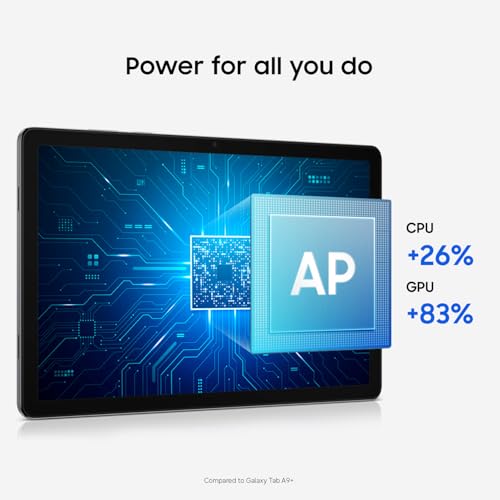
You want a tablet that feels responsive when opening apps, switching between tasks, browsing, streaming, or playing games, so performance directly affects how pleasant it is to use every day. Look for enough processing power and memory for the way you use it, and watch out for lower-end tablets that may handle simple tasks fine but slow down with multitasking, demanding apps, or long-term updates.

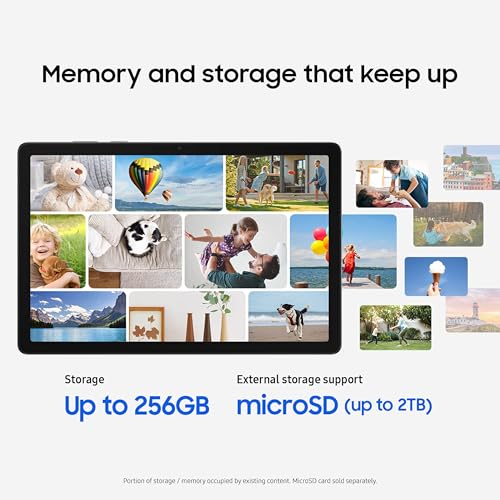
Buy by exact generation, processor tier, RAM, and storage—not just screen size—because this tablet family spans basic media models and much faster productivity models. For split-screen work, pen note-taking with large PDFs, desktop-style mode, video calls while multitasking, or games, prioritize a higher-tier chip, at least midrange RAM, and enough internal storage for apps; expandable storage is useful for media but does not fully solve cramped app storage. Owner feedback supports this split: many buyers find everyday browsing, streaming, school tasks, email, texting, maps, and light gaming smooth, while higher-tier models are described as especially fast; the main complaints appear when shoppers expect quick response or long sessions from lower-end or aging units.

Quality

A tablet’s quality affects how well it holds up to daily handling, travel, charging, and repeated use. Look for solid construction, a screen and body that feel well-fitted, dependable performance over time, and units that arrive in clean, working condition without defects, dead pixels, loose parts, or charging issues. Poor reliability or questionable condition on arrival can turn an otherwise capable tablet into a frustrating purchase.

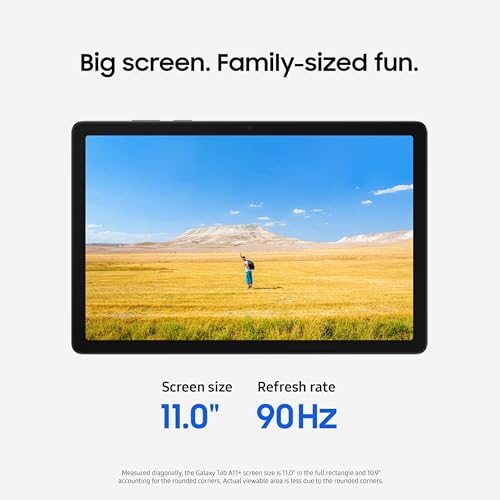
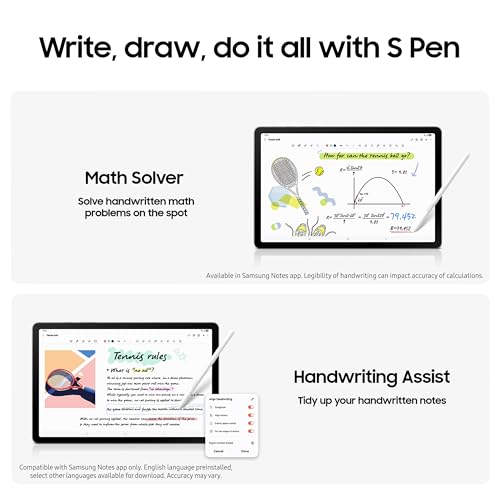
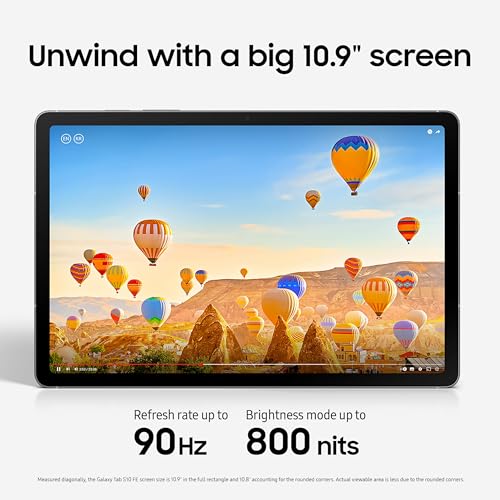
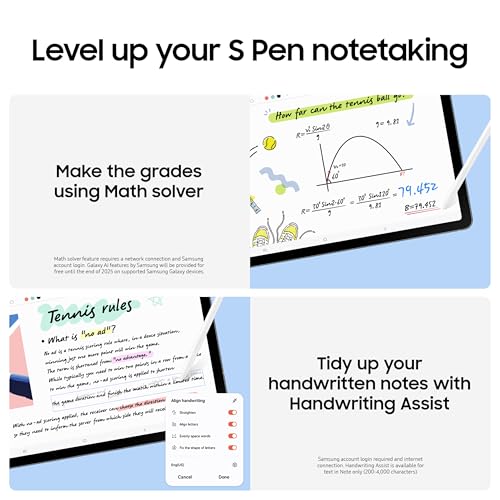
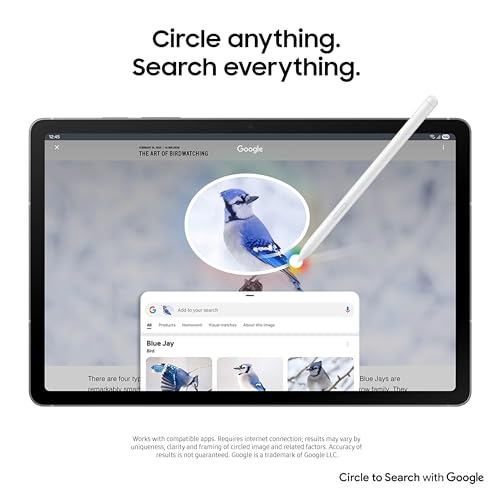
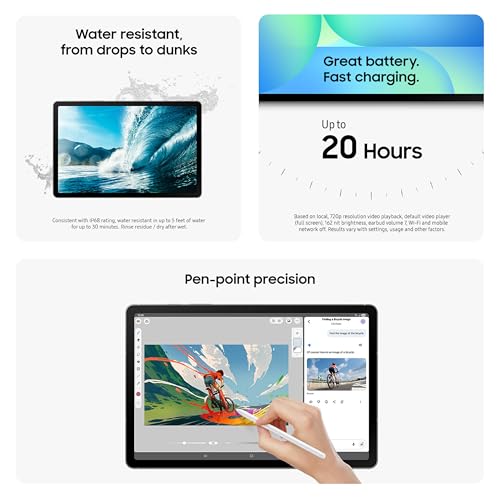
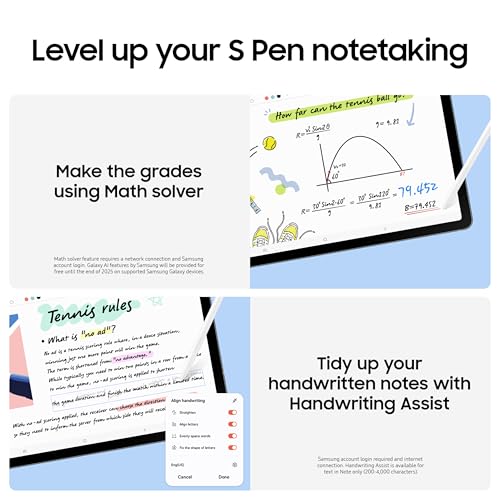
Check the physical tier and feature set carefully: display type and refresh rate, speaker layout, pen support, keyboard-cover compatibility, water/dust resistance, biometric unlock, and whether the USB-C port supports only charging/data or also display output. Do not assume every model in the line has the same screen quality, pen experience, ruggedness, or premium build; entry models can be fine for kids and media, while drawing, note-taking, outdoor use, and laptop-like workflows benefit from higher-grade screens, sturdier accessories, and better palm rejection. Owners generally describe the better-equipped tablets as premium, well-made, and strong for picture quality, while entry-level units are still often considered solid for streaming, browsing, reading, and kids’ apps.

Value

A tablet with strong value gives you the features, performance, display quality, battery life, and accessory support you’ll actually use without making you pay for extras that don’t matter to you. Look for a balanced experience at the price: smooth everyday performance, enough storage, reliable software support, and the right screen size and quality for your needs. Watch out for cheap tablets that feel slow or limited quickly, as well as premium options that cost more mainly for features you may never use.

The best value comes from matching the tier to the job and checking the hidden costs: pen included or sold separately, keyboard/case needs, charger compatibility, storage/RAM configuration, update runway, and whether a cellular model is actually usable on your carrier. Avoid paying mainly for a large screen if the model has low memory, an older processor, short remaining software support, or a used battery; for family use, a durable mainstream tablet with profiles and a good case may outlast cheaper kid-only alternatives. Owner sentiment backs the value case when expectations are aligned: buyers often say these tablets feel more capable than expected, deliver strong price-to-performance, offer useful expandable storage, and handle everyday or family use better than cheaper basic tablets.

Battery

Battery life determines how long you can use a tablet for browsing, streaming, reading, gaming, or work before you need an outlet. Look for realistic runtime that matches your habits, and pay attention to charging speed and standby drain, since a tablet that lasts all day but takes a long time to recharge may still be inconvenient.

For this niche, battery life depends heavily on screen size, refresh rate, cellular use, gaming, pen/keyboard accessories, and whether the unit is new or renewed, so check capacity, supported fast-charging standard, and whether the needed charger is included. If you need travel, school, field work, or all-day media playback, avoid older used units with unknown battery wear and look for models known to charge quickly enough for your routine; large bright displays and 5G/cellular standby can drain faster than casual web use suggests. Owner feedback is mixed but useful: many buyers are satisfied with regular-use battery life and fast-enough charging, yet others report limited life, charging quirks, faster-than-expected drain, or aging batteries on used units.

Usability

A tablet should feel easy to navigate and fit smoothly into the way you work, read, stream, or create. Look for practical functionality like intuitive controls, strong app compatibility, reliable file sharing, and support for the input accessories you may need, especially a keyboard or stylus. Watch out for tablets that seem powerful on paper but limit your workflow through awkward multitasking, restricted ports, or accessories that are costly or uncomfortable to use.

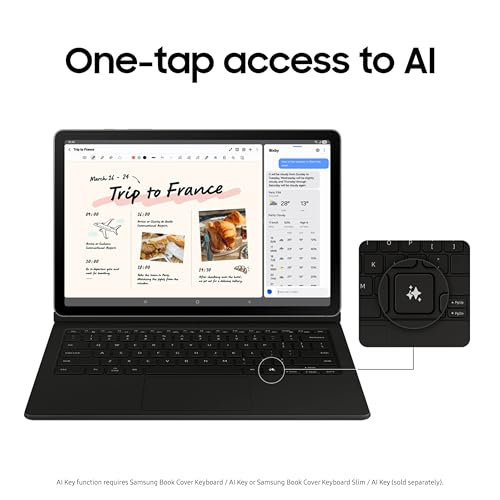
Before buying, verify the unit is not locked to a store demo mode, corporate management system, previous account, carrier, or region, because these tablets are commonly sold through schools, businesses, carriers, and renewed channels. Also confirm app-store access, language/region compatibility, cellular bands if applicable, pen and keyboard compatibility by exact model, multi-user or kids-profile support, and whether desktop-style mode or external monitor output is supported on that specific version. Owners often say setup and daily use are straightforward for email, texting, gaming, travel, and routine tasks, but the clearest usability failure mode is severe: some units arrive management-locked and cannot be reset for normal use.



