

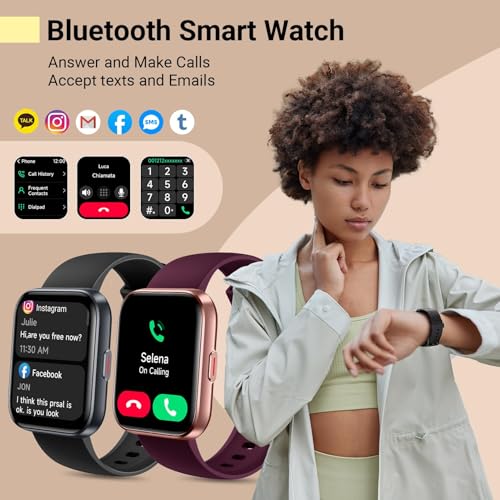





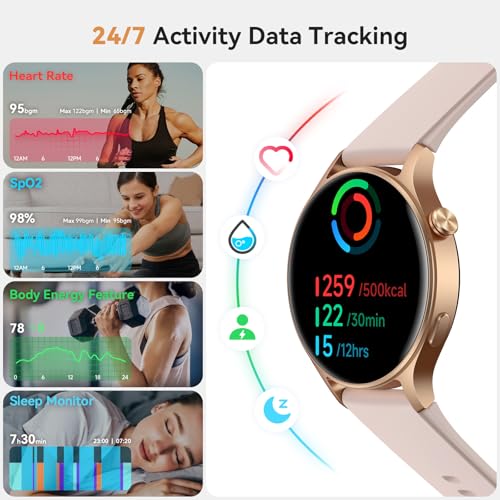




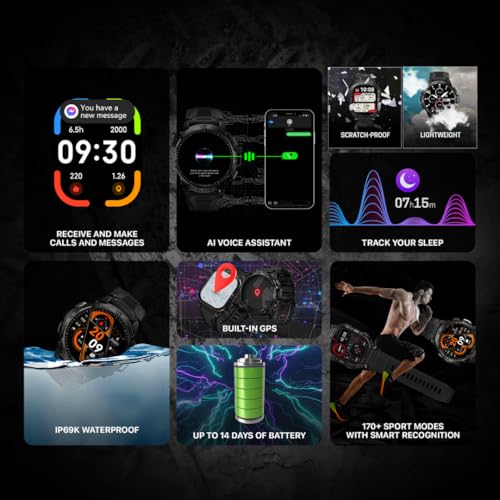





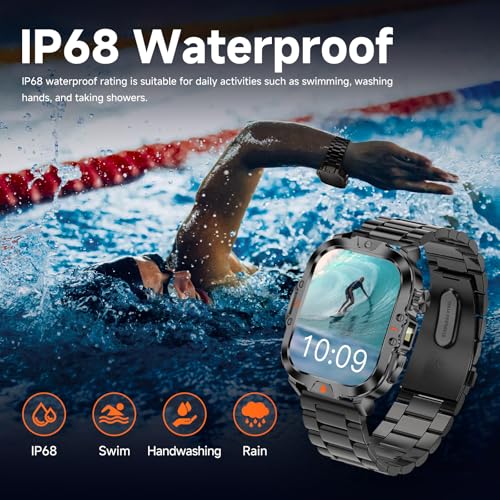


We also considered 10 others:


Our Top Choice
Compare Features


The order above is not editorial opinion, and it is not paid placement. It comes from what shoppers across our network actually do - which android smartwatches they compare, and which they ultimately buy. We re-rank as new data comes in, so the long-term favorites have to keep earning their spot against new entrants. The full method, including how we make money.
Android Smartwatches Buyer's Guide
Android smartwatches sit between two competing goals: tight phone integration and long-lasting, low-hassle health tracking. The biggest buying risks are assuming every model works the same with every Android phone, and mistaking a long feature list for reliable notifications, calls, GPS, or sensor data.
Build
Because a smartwatch is worn all day and exposed to bumps, sweat, water, and frequent charging, build quality directly affects how long it stays comfortable, reliable, and good-looking. Look for solid materials, secure buttons or crowns, dependable seals, and a screen or case that resists scratches; be cautious of flimsy straps, loose fittings, poor water resistance, or reports of units arriving in rough condition or failing with normal use.
For an Android smartwatch, start with phone fit and daily durability: confirm the case size will not block wrist movement, the band uses a replaceable standard size or easily sourced connector, the screen is bright enough outdoors, and the water-resistance rating matches your actual use rather than just handwashing. If you plan workouts, outdoor use, or sleep tracking, avoid bulky bodies, sharp case edges, weak haptics, and straps that trap sweat; these are the things that make an otherwise capable watch stay in a drawer. Owner feedback supports prioritizing build quality: shoppers often describe these watches as comfortable, sleek, bright-screened, durable daily devices, with some models feeling well equipped for both everyday and outdoor use.
Features
You want a smartwatch that fits how you actually live, so look for features that make daily tasks easier: reliable notifications, quick replies or call handling if you need them, useful apps, activity tracking, and controls that are simple to access on the go. Watch out for watches that advertise lots of features but make them hard to use, limit key functions depending on your phone, or lack the versatility you need for workouts, commuting, and everyday use.
Choose features by the Android phone and app ecosystem you will actually use: verify Bluetooth calling support, notification replies, app compatibility, voice assistant support, music controls, contact syncing, and whether key features require a companion app account. Do not assume every Android watch offers full message replies, third-party apps, NFC payments, or offline music; many lower-cost models mirror notifications well but are not true app-platform watches. Owners are happiest when the essentials are clear and reliable, frequently praising watches that handle calls, notifications, fitness tools, customization, and straightforward daily health features without feeling oversized or complicated.
Battery
Battery life matters because it determines whether your smartwatch can reliably track workouts, sleep, notifications, and health metrics without constant interruptions. Look for a runtime that fits how you actually use the watch, and pay attention to charging speed and charger convenience so topping up between sleep, work, or exercise is easy. Watch out for heavy GPS, always-on displays, and cellular features, which can drain the battery much faster than basic daily use.
Battery life depends heavily on Android smartwatch settings, so compare runtimes with your intended use: always-on display, continuous heart-rate checks, GPS workouts, Bluetooth calling, SpO2 at night, and frequent notifications can cut endurance sharply. If you dislike nightly charging, look for multi-day real-world battery claims and check whether charging uses a proprietary puck or cable you can replace easily. Owner sentiment strongly backs battery as a deciding factor, with many buyers reporting several days, a week or more, or even longer stretches when settings like notifications and always-on display are managed carefully.
Value
A smartwatch can feel like a bargain or an overbuy depending on how well its features match what you’ll actually use. Look for strong core functions—reliable notifications, health tracking, battery life, comfort, and app support—at a price that makes sense for your needs, and be cautious about paying extra for niche features you may rarely use.
Value in this category is not just “more features”; it is getting the Android functions you need without paying for sensors, app stores, or cellular capabilities you will not use. Before buying, separate must-haves such as accurate workout GPS, reliable notification handling, calls, sleep tracking, bright display, and water resistance from nice-to-haves like ECG-style readings, voice assistant access, or outdoor extras. Owners often describe strong value when a watch combines a polished build, clear screen, responsive functions, calling, health tools, and easy setup, especially when it feels like a capable alternative to more expensive smartwatch ecosystems.
Tracking
Tracking matters because your watch is only useful if its step counts, workouts, heart-rate monitoring, sleep tracking, and health metrics are consistent enough to guide your habits. Look for reliable accuracy across the activities you actually do, clear tracking information in the companion app, and sensors that perform well during movement, not just at rest. Be cautious of watches that report lots of health data but make it hard to understand trends or show inconsistent results from day to day.
For tracking, decide whether you need motivational wellness trends or training-grade data, because those are very different expectations. Look for built-in GPS if you run, cycle, hike, or walk without your phone; check whether heart-rate sampling is continuous, whether sleep tracking includes usable trends, and treat blood pressure, SpO2, stress, and ECG-style features as wellness indicators unless the device specifically carries appropriate medical clearance. Owner feedback is strongest around everyday tracking: buyers value steps, heart rate, sleep, workouts, oxygen checks, reminders, hydration, weight logging, and app-based trend views for daily motivation.
Ease
A smartwatch should be easy to set up, simple to navigate, and quick to control without forcing you to dig through confusing menus. Look for clear onboarding, intuitive gestures or buttons, readable notifications, and a companion app that makes settings easy to find. Watch out for watches that bury basic features, require too much phone-app tinkering, or feel frustrating during everyday tasks.
Ease of use starts before the watch reaches your wrist: confirm the companion app works well with your Android version, pairing does not require unsupported services, notification permissions are easy to manage, and watch faces/settings can be changed without digging through confusing menus. If the watch is for a beginner, older user, or someone switching from a phone-only setup, prioritize large text, clear swipe navigation, dependable reconnection, and simple call/message controls over a crowded feature list. Owners commonly report the best experiences when setup is quick, the app is intuitive, the interface is simple, and daily functions are easy to reach from both the watch and the phone.
1,000,000+ shoppers use Buyer's Guide every week to find the best products and services online.

Helping millions of users make smarter purchases online.


