








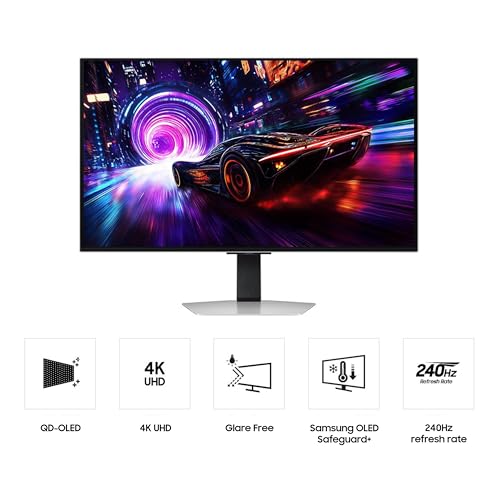
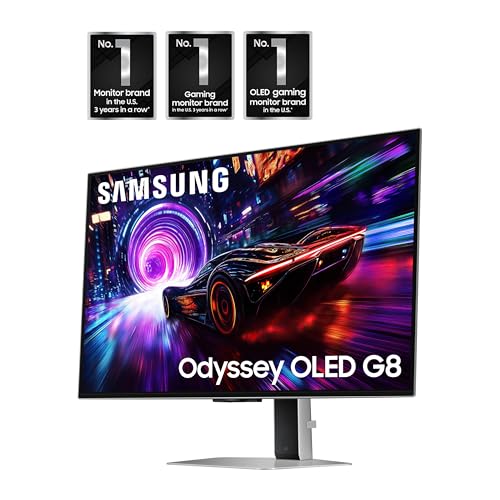
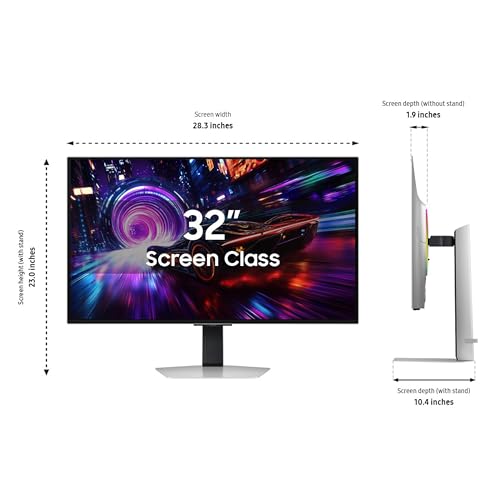



We also considered 10 others:


Our Top Choice
Compare Features


Why These Features Matter:
A computer monitor is one of those purchases that looks boring on paper and then quietly runs your life. It decides whether your eyes feel sandpapery at 4 p.m., whether your desk looks like a cord shrine, and whether you can finish a spreadsheet without hunching like a Dickens orphan. The “best” monitor is rarely the one with the loudest spec sheet — it’s the one that disappears into your day in the nicest possible way.
Here’s what actually matters once the novelty of a new screen wears off and you’re just trying to live your life (and maybe also answer Slack messages with dignity).
Size & Screen Shape: The Desk Is the Limiting Factor
People love to recommend enormous monitors the way they recommend moving to a bigger apartment: theoretically correct, emotionally exhausting. In real homes, the monitor has to coexist with your lamp, your water glass, your notebook you swear you’ll use, and the one plant clinging to life.
- Notable strengths
- Bigger screens reduce tab gymnastics. If you’re constantly flipping between docs, email, and a browser, more screen real estate can feel like mental quiet.
- Ultrawide can replace a two-monitor setup without that awkward seam where your cursor goes to die.
- Standard widescreen is easiest to live with. It plays nicely with most desks, most stands, most everything.
- Things to know
- Measure your desk depth, not just width. A large monitor on a shallow desk puts the screen too close, and suddenly you’re leaning back like you’re dodging it.
- Curved screens are love/hate. Some people find them immersive; others say straight lines look faintly “off,” especially in design work.
- Honest caveats
- Big monitors show big messes. Yes, visually — but also physically: every cable, every speck of dust, every sticky fingerprint from a child who “just wanted to see.”
Resolution: Sharp Enough Is a Feeling, Not a Number
Resolution is one of those categories where people can get evangelical. In practice, “good” means text looks crisp, you’re not squinting at UI elements, and you’re not constantly zooming in like your browser is a magnifying glass.
- Notable strengths
- Crisper text = less fatigue. If you read and write for hours, clarity matters more than cinematic color.
- Higher resolution helps on larger screens. Big screens with low resolution can make text feel slightly fuzzy, like you’re wearing the wrong prescription.
- Things to know
- Scaling can be mildly annoying. Some setups make text either too tiny or weirdly huge until you tweak settings. Expect five minutes of “why is everything… like this?”
- Your computer has to keep up. Higher resolution can be more demanding, which matters if your laptop already runs hot enough to toast bread.
- Honest caveats
- More pixels don’t fix bad lighting. If your monitor faces a bright window, you’ll still be staring at your own reflection, just in higher fidelity.
Panel Type & Viewing Comfort: Your Eyes Will File a Complaint
This is the part that makes the biggest difference: how the screen looks for eight hours, not for the first 30 seconds. If you work from a kitchen table one day and a couch the next, viewing angles and consistent color matter. If you do design work, they matter even more.
- Notable strengths
- Wide viewing angles help real life. If you ever shift positions, sit off-center, or share your screen with a partner who wanders over mid-email, you’ll appreciate it.
- Matte finishes are underrated. Glossy screens can look gorgeous — until you notice the overhead light, your face, and the entire room reflected back at you like a judgmental mirror.
- Things to know
- Brightness matters if your room is bright. If you work near windows or under harsh lighting, a dim display will make you crank it to max and still feel annoyed.
- Blue light modes are fine, but they can get weird. Some make everything look like you’re working inside a mug of chamomile tea. Helpful at night; not ideal for color-sensitive work.
- Honest caveats
- No monitor will save you from bad posture. But a comfortable image makes it less likely you’ll creep closer and closer until your nose is basically on the screen.
Refresh Rate: Only Matters If You’ll Notice It (Some People Really Do)
If you don’t game or do motion-heavy work, you can ignore most refresh-rate discourse and live a peaceful life. If you do game — or if you’re the kind of person who notices stutter the way some people notice a crooked picture frame — it’s worth caring.
- Notable strengths
- Smoother motion feels calmer. Scrolling, dragging windows, and quick camera movement in games can feel less “jittery.”
- Some people find it easier on the eyes. It’s not universal, but it’s real.
- Things to know
- Your computer needs to output it. A high-refresh monitor paired with an underpowered machine is like buying fancy running shoes and never leaving the couch.
- Not every cable/port behaves the same. You may have to use a specific port to get the performance you expected. Yes, it’s annoying. Yes, everyone learns this at midnight.
- Honest caveats
- If you don’t care, you don’t care. Plenty of sane adults happily work on standard refresh rates and do not think about it again.
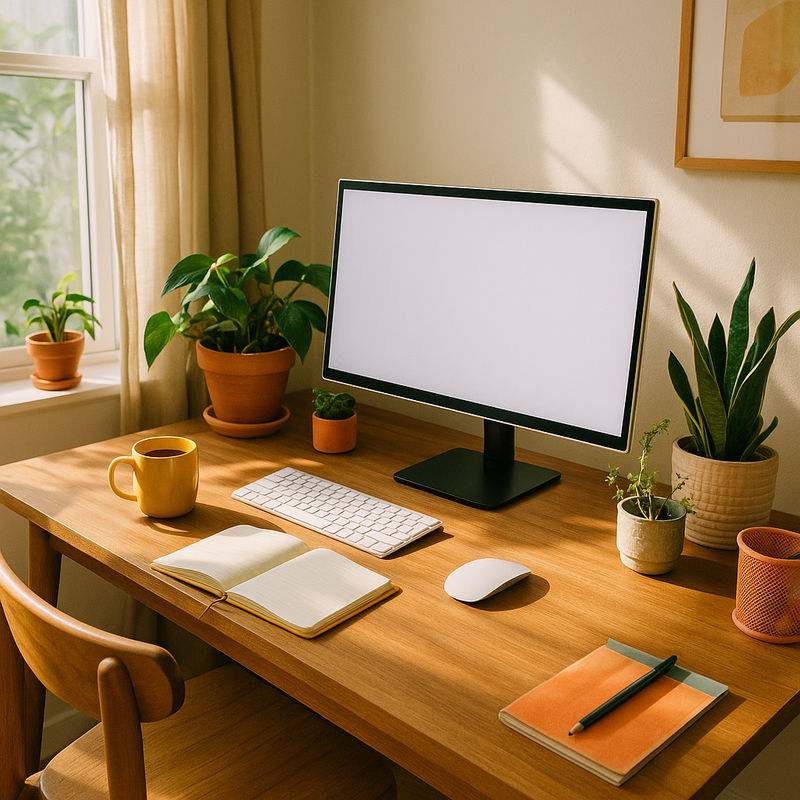
Stand & Ergonomics: The Thing You’ll Hate Daily If It’s Bad
A monitor stand can be the difference between “nice desk setup” and “why does my neck feel like a punishment.” And yet, it’s the part most people only notice after they’ve lived with it for a week.
- Notable strengths
- Height adjustment is the big one. Tilt is fine; height is life-changing.
- Swivel and pivot are surprisingly useful. If you review documents, code, or read long pages, vertical orientation can feel like your brain exhaling.
- A sturdy base prevents the “wobble.” If you have an enthusiastic typing style (or a cat), you’ll care.
- Things to know
- Consider a monitor arm if your desk is small. It frees space and makes positioning easier — but it’s one more thing to install, and you will briefly question your life choices while aligning the clamp.
- VESA compatibility is your escape hatch. If the included stand is terrible, at least you can replace it.
- Honest caveats
- Good stands make monitors heavier and bulkier. Great for stability, less great if you rearrange your desk like it’s a hobby.
Ports & Charging: The Difference Between Calm and Cord Soup
This is where monitors quietly earn their keep. The right ports mean your laptop plugs in once and your desk stays vaguely civilized. The wrong ports mean you’re constantly hunting for dongles like they’re keys you keep losing in a tote bag.
- Notable strengths
- USB-C can simplify your life. One cable for display (and sometimes power/data) is the closest thing to desktop serenity.
- Built-in USB ports are practical. A monitor that doubles as a hub makes it easier to plug in a webcam, keyboard receiver, or hard drive without crawling under your desk.
- Things to know
- Placement matters. Rear-facing ports can be a knuckle-scraping hassle if you frequently swap devices. Side ports feel luxurious for about three seconds — until you realize they show in photos.
- Cable management is rarely as clean as the marketing photos. Most people end up with a tasteful little bundle they pretend not to see.
- Honest caveats
- “One cable” setups are real, but finicky. Sometimes the monitor wakes slowly, sometimes it forgets a device, sometimes you’ll unplug and replug like it’s 2009. It’s not you. (Okay, it’s not mostly you.)
Sound, Heat, and Other Unromantic Realities
Monitors aren’t supposed to have a personality, but some do — usually in the form of faint buzzing, warm backs, or speakers you’ll never use. These things matter if your workspace is quiet, small, or both.
- Notable strengths
- Silent operation is a feature. If you work late at night in a quiet room, coil whine can become your nemesis.
- Low heat is underrated. In a tiny office (or a bedroom office you’d rather not admit is an office), extra warmth adds up.
- Things to know
- Built-in speakers are usually “emergency only.” Fine for a quick video; bleak for music.
- Power bricks can be bulky. External bricks mean one more chunky object collecting dust behind your desk like a sad paperweight.
- Honest caveats
- Some monitors have bright indicator lights. If you work in a bedroom, that tiny LED can become an unexpectedly personal enemy.
How to Choose the Right “Best” Monitor for You (A Few Scenarios)
Don’t trust anyone who claims there’s one perfect monitor for everyone. People work differently. Homes are different. Desks are different. Your tolerance for clutter is probably different from mine (I say, staring at my own cable tangle).
- If you mostly write, read, email, and live in spreadsheets: prioritize text clarity, comfortable brightness, and a stand with real height adjustment. A screen that makes typography look clean is the upgrade you’ll feel every hour.
- If you’re doing creative work: prioritize consistent color and viewing angles, and be realistic about your lighting. If your room is bright, a monitor that fights glare will make you happier than one that looks pretty in a dark studio you do not have.
- If you game (even casually): prioritize smooth motion and responsiveness, but don’t buy performance your computer can’t deliver. Also: pay attention to how sturdy the stand is — desk wobble plus fast action is a special kind of irritation.
- If you’re in a small apartment / shared space: prioritize desk footprint, cable simplification (fewer cords), and easy repositioning. A monitor arm can be a space miracle, if you can tolerate a little DIY.
The Quiet Tell of a Truly Good Monitor
The best monitor doesn’t announce itself. It doesn’t require a weekly re-tweak. It doesn’t make you think about adapters or glare or neck pain. It just sits there, looks good, and lets you get on with your day — which is, frankly, all any of us want from another rectangular object we own.
1,000,000+ shoppers use Buyer's Guide every week to find the best products and services online.

Helping millions of users make smarter purchases online.

